

READ THIS BEFORE YOU LEAVE THIS PAGE:
We are now in the process of verifying your payment.
Please give us 1 - 2 working days to do the verification.
Once it is verified, you will receive a confirmation email.
Please make sure to check your email inbox for an important welcome email from us regarding the KAPAYAMAN VIP membership.
( If you don’t see it there, please check your spam, promotions, or junk inboxes. )
Follow the steps below to ensure you get your VIP experience on the right foot!

READ THIS BEFORE YOU LEAVE THIS PAGE:
We are now in the process of verifying your payment. Please give us 1 - 2 working days to do the verification. Once it is verified, you will receive a confirmation email.
Please make sure to check your email inbox for an important welcome email from us regarding the KAPAYAMAN VIP membership.
( If you don’t see it there, please check your spam, promotions, or junk inboxes. )
Follow the steps below to ensure you get your VIP experience on the right foot!

STEP #1
Start Learning Right Away
While we’re verifying your membership upgrade, you can head over to the Learning Portal to watch Kapayaman video lessons.
STEP #1
Start Learning Right Away
While we’re verifying your VIP membership, you can already start learning! Head over to the Learning Portal to watch the Kapayaman free content. Just check your email for your login details.
Once your VIP membership is confirmed, you’ll unlock special content made just for VIPs.
STEP #2
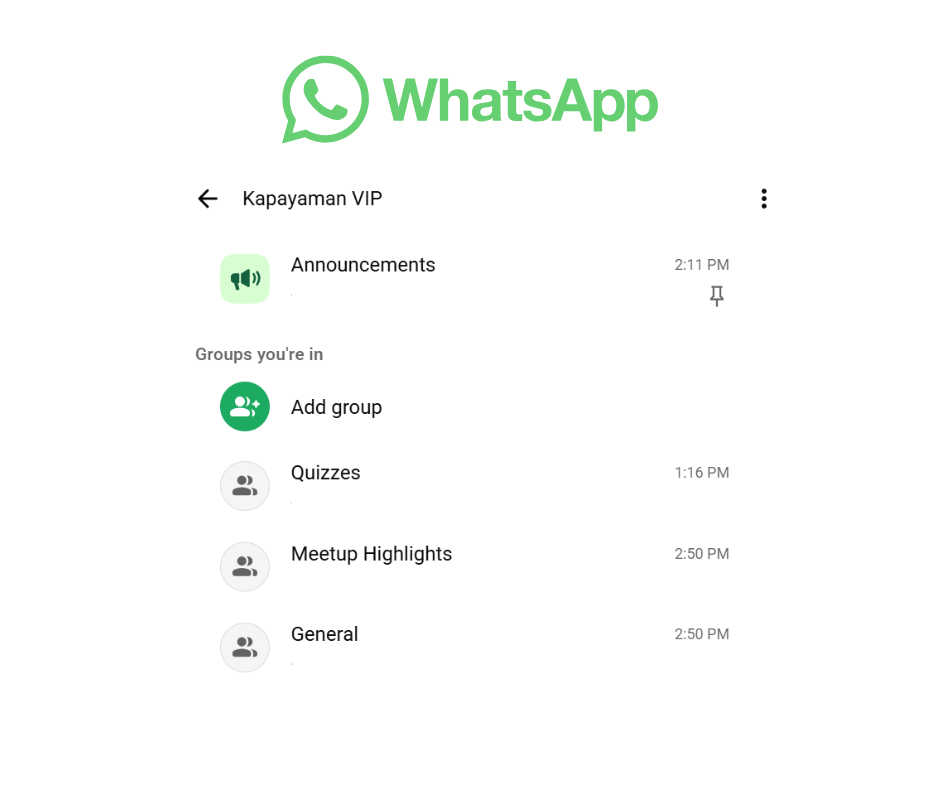
Join the WhatsApp VIP Community
If you haven't joined our Kapayaman WhatsApp VIP community, please don't hesitate to join via the link below. This will be our official communication channel.
Once you're in, please don't forget to change your name to the one you used to upgrade your membership. (Because WhatsApp likes to make nicknames for it's members, and while we do love them, it's hard to verify if it's really you. And we'd hate to revoke your account just because we thought you're a robot!)
Once you've changed your nickname, make sure to say 'Hi' and introduce yourself — we’d love to chat with you!
This is where VIP members connect, ask questions, and support each other. Once you’re in, make sure to say 'Hi' and introduce yourself — we’d love to meet you!
STEP #2
Join the WhatsApp VIP Community
If you haven't joined our Kapayaman WhatsApp VIP community, please don't hesitate to join via the link below. This will be our official communication channel.
This is where VIP members connect, ask questions, and support each other.
Once you're in, please don't forget to change your name to the one you used to upgrade your membership. (Because WhatsApp likes to make nicknames for it's members, and while we do love them, it's hard to verify if it's really you. And we'd hate to revoke your account just because we thought you're a robot!)
Once you've changed your nickname, make sure to say 'Hi' and introduce yourself — we’d love to chat with you!
This is where VIP members connect, ask questions, and support each other. Once you’re in, make sure to say 'Hi' and introduce yourself — we’d love to meet you!
STEP #3
Stay Connected
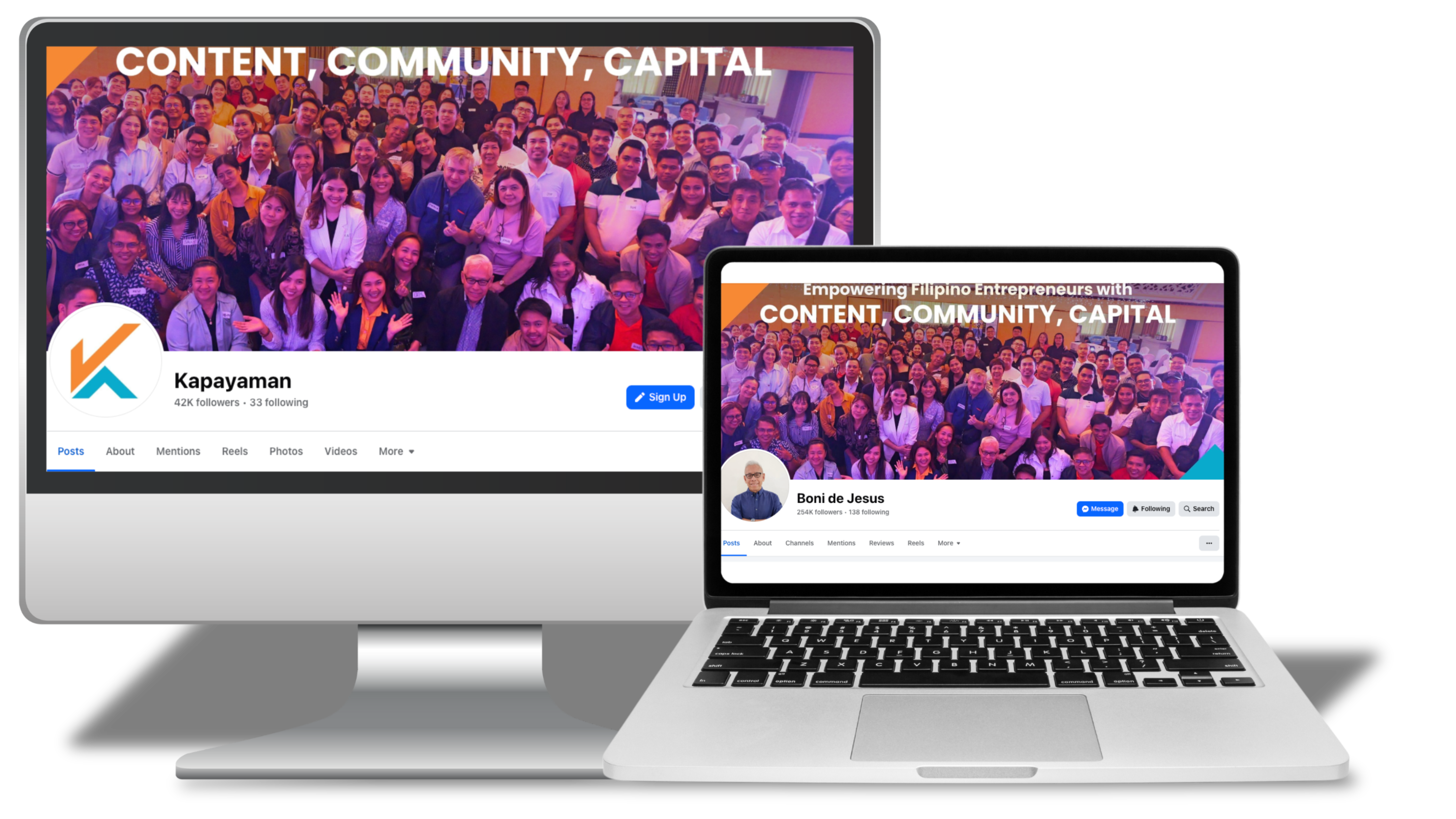
Follow our Kapayaman Facebook Page and TikTok accounts for the latest updates, helpful tips, and community highlights.
Like, share, and be part of our growing VIP family!
STEP #3
Stay Connected
Follow our Kapayaman Facebook Page and TikTok accounts for the latest updates, helpful tips, and community highlights.
Like, share, and be part of our growing VIP family!
STEP #4
Got Questions? Reach Out
If you have any questions, feel free to reach out! You can email us at [email protected] or send us a message in our Kapayaman Facebook Page. We’re here to help and happy to support you every step of the way.
STEP #4
Got Questions? Reach Out
If you have any questions, feel free to reach out! You can email us at [email protected] or send us a message in our Kapayaman Facebook Page. We’re here to help and happy to support you every step of the way.

© 2024, Kapayaman.ph
All Rights Reserved